After more than a decade of working with vending projects, I have learned one thing the hard way: a machine does not lose sales only because the product is wrong. It also loses sales when the customer cannot pay in the way they expect. That is why the question, what payment systems do vending machines support in Europe, is not a small technical detail. It is one of the first commercial decisions an operator should make before buying a machine.
Quick answer: Modern vending machines in Europe can support coins, banknotes, debit cards, credit cards, contactless NFC cards, Apple Pay, Google Pay, QR code payments, prepaid cards, loyalty accounts, and app-based payments. For most commercial locations, the strongest setup is card + NFC + mobile wallet + remote reporting, with cash added when the customer base still needs it.
I do not treat payment hardware as an accessory anymore. A card reader, cash validator, QR payment module, or telemetry system can change how often people buy, how quickly they complete a purchase, and how easily the operator handles refunds. A good machine should make payment feel almost invisible: the customer chooses, pays, receives the product, and walks away without needing help.
The best vending payment system is rarely one single method. It is the right mix for the product, location, customer age group, selling price, and service model. A snack machine in a staff room, a cosmetics vending machine in a mall, and an elevator vending machine selling fragile products should not always use the same payment setup.
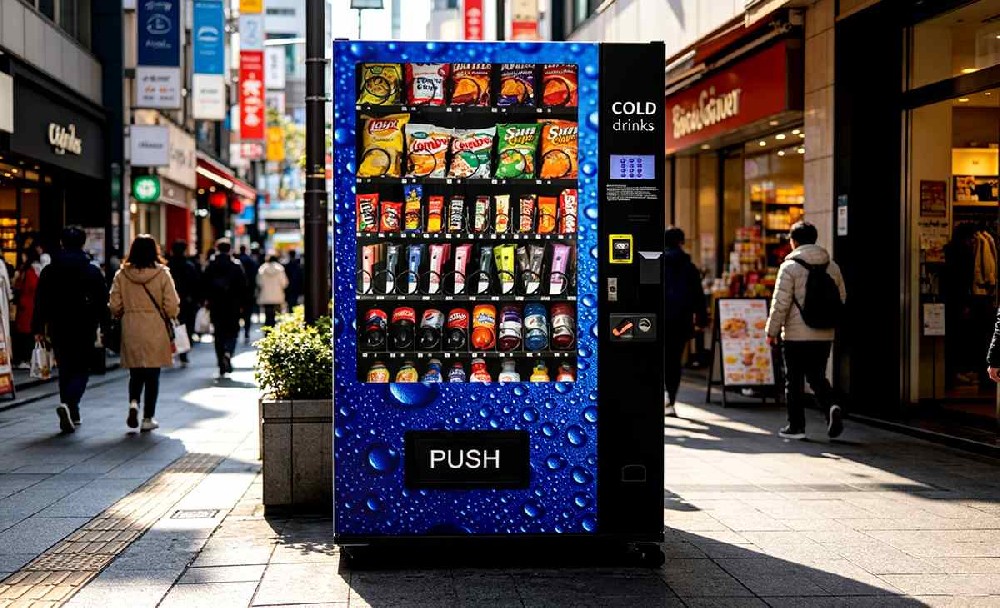
The Payment Methods Most Modern Vending Machines Can Support
When people ask me what payment systems do vending machines support in Europe, I usually start with the practical list below. These are the payment systems most buyers should understand before ordering a vending machine.
| Payment System | How Customers Use It | Best For | Operator Notes |
|---|---|---|---|
| Coins | The customer inserts coins and receives change if the machine has a changer. | Low-ticket snacks, drinks, schools, factories, and mixed public locations. | Still useful, but coin jams and cash collection add maintenance work. |
| Banknotes | The customer inserts bills through a bill validator. | Higher-ticket items, travel locations, late-night retail, and tourist-heavy areas. | Good as a backup, but validators need cleaning and cash control. |
| Debit and Credit Cards | The customer taps, inserts, or swipes a card depending on the terminal. | Most commercial vending locations. | Essential for modern vending revenue and buyer convenience. |
| Contactless NFC | The customer taps a card, phone, or wearable device. | High-traffic sites, offices, gyms, retail corners, and transport locations. | Usually the fastest checkout method for small purchases. |
| Mobile Wallets | The customer pays with Apple Pay, Google Pay, or a smartwatch. | Younger buyers, office workers, gyms, malls, campuses, and premium retail. | Strong for impulse purchases because many buyers no longer carry cash. |
| QR Code Payments | The customer scans a code and pays through a wallet, app, or web page. | Custom vending projects, loyalty campaigns, and branded retail machines. | Flexible, but it must be fast. Slow QR checkout kills conversion. |
| Prepaid Cards | The customer pays with a stored-value card or site-specific account. | Workplaces, schools, hospitals, gyms, hotels, and private facilities. | Works well when the location has repeat users. |
| App-Based Payment | The customer selects a machine or product through an app and pays digitally. | Large vending networks, smart retail systems, and locker vending projects. | Powerful for scale, but not always needed for a single machine. |
If I had to choose one baseline configuration for a new machine today, I would choose card payment, contactless NFC, mobile wallet support, and remote reporting. I would add coins or banknotes only when the location clearly needs them. I would add QR or app payment when there is a real business reason, such as loyalty points, coupons, account payment, or a brand campaign.
Why Payment Choice Directly Affects Vending Revenue
Vending is an impulse business. The customer sees the product, checks the price, decides quickly, and pays. If payment takes too long, the sale is at risk. If the machine accepts only cash and the customer has only a phone, the sale is gone. If the card reader is slow or confusing, the customer may walk away before the transaction finishes.
I have seen strong vending locations underperform simply because the payment setup was outdated. In one case, a machine had good products and good traffic, but it accepted only coins and banknotes. The operator thought the location was weak. After adding a reliable contactless card terminal, the same machine became easier to use during lunch breaks, and sales improved because buyers no longer had to search for small change.
The European Central Bank payment statistics for the first half of 2025 reported that card payments accounted for 57% of the total number of non-cash transactions in the euro area. It also reported that contactless card payments at physical terminals reached 29.6 billion transactions and represented 83% of non-remote card payments by number. That does not describe vending machines alone, but it explains why customers now expect tap-to-pay behavior in unattended retail.
The ECB’s 2024 study on consumer payment attitudes also showed that cash still accounted for 52% of point-of-sale transactions by number in the euro area, while card payments accounted for 39% and mobile device payments accounted for 6%. For me, that is the practical lesson: cash has not disappeared, but cashless payment is too important to leave out.
Cash Payments: Still Useful, But Not Enough by Themselves
I would not remove cash from every vending project. Cash still matters in some public locations, especially where buyers are mixed by age, income, travel habits, or payment preference. Coins and banknotes can also protect sales when a network connection is down or when a customer has no working card or phone.
But cash is not free. The operator has to collect it, count it, bank it, protect it, and maintain the coin mechanism or bill validator. Dust, moisture, bent notes, poor-quality coins, and vandalism can all create service calls. A cash-only machine can look cheaper to buy, but it often creates more work after installation.
Cash works best when the selling price is simple. If products are priced at 1.00, 1.50, 2.00, or 2.50, coins are easier to manage. If the machine sells cosmetics, electronics accessories, boxed gifts, chilled meals, or other higher-value products, card and NFC payment should be the main options.
My preferred setup for public sites is usually cash + card + contactless NFC. That gives broad coverage without forcing every customer into one payment habit. In private sites, such as offices and gyms, I often skip banknotes and focus on digital payment because buyers are repeat users and convenience matters more than full cash coverage.
Card Payments: The Baseline for Commercial Vending
Card payment is now a basic requirement for serious vending operations. A machine that cannot accept debit or credit cards is immediately limited. That does not mean every location will be cashless-only, but it does mean card acceptance should be part of the buying conversation from the beginning.
The card reader normally connects to the vending machine controller through a payment protocol such as MDB, Executive, Pulse, or a custom interface. In many modern vending machines, MDB is the first protocol I check because it is widely used for payment devices. Before I approve a quotation, I want to know whether the controller supports the selected card terminal, whether the wiring is prepared, and whether the factory will test the full payment-to-vend process before shipment.
A proper vending card payment setup should include:
Debit and credit card support.
Contactless tap payment.
Mobile wallet compatibility.
Clear transaction status on the reader or screen.
Fast authorization speed.
Remote sales and error reporting.
Refund and failed-vend tracking.
In a high-traffic location, I would rather spend more on a proven terminal than lose sales every lunch hour because authorization takes too long. A cheap payment terminal can become expensive if it creates downtime, failed transactions, or customer complaints.
Contactless NFC and Mobile Wallet Payments
Contactless payment is the feature I would push hardest for most new vending machines. It matches how customers already pay in cafés, convenience stores, supermarkets, and transport environments. For vending, that habit matters because a vending purchase is usually quick and low-friction.
A buyer taps a card, phone, or smartwatch, waits for approval, and receives the product. No searching for coins. No waiting for change. No typing card details. That speed is especially valuable for drink machines, snack machines, gym vending, beauty vending, and elevator vending machines that sell premium packaged products.
Mobile wallets such as Apple Pay and Google Pay are also important because many customers no longer carry much cash. In gyms, offices, campuses, and malls, I have seen customers approach a machine with only a phone in hand. If the machine cannot accept a phone payment, it loses the sale before the product even has a chance.
For me, NFC is not a luxury option. It is the checkout behavior many buyers now expect. If a machine is going into a modern commercial location, contactless vending payment should be treated as part of the standard build.
QR Code Payments: Useful When They Have a Purpose
QR code payment can be very useful, but I do not use it as a replacement for NFC in every location. QR is more flexible. NFC is usually faster. The right choice depends on what the operator wants the payment system to do.
QR payments work well when a brand wants to connect the machine with a campaign, coupon, loyalty program, membership account, or custom checkout page. For example, a cosmetics vending machine can use QR payment to connect a buyer with a product page, reward program, or limited-time promotion. A collectible vending machine can use QR payment for drops, points, or repeat-customer offers.
The problem is speed. If the QR code loads slowly, the payment page is confusing, or the network signal is weak, the customer may abandon the purchase. That is why I usually recommend QR as an additional payment option, not the only option, unless the site already has trained users.
The best QR payment projects I have seen had three things in common:
The customer already understood the app or wallet.
The payment confirmation reached the machine quickly.
The operator had a clear reason for using QR beyond “it looks modern.”
Prepaid Cards, Loyalty Accounts, and Closed-Loop Payment
Prepaid and closed-loop payment systems are common in controlled environments. These include workplaces, schools, hospitals, hotels, gyms, apartment buildings, and private clubs. The customer pays through a stored-value card, member account, employee account, student card, or site-specific wallet.
This setup works especially well when the same people use the machine every week. In that case, the goal is not only to win random foot traffic. The goal is to make repeat buying easy. A workplace can connect vending to staff allowances. A gym can connect it to membership accounts. A hotel can connect it to guest services.
Closed-loop payment can support:
Employee snack or meal budgets.
Student cards.
Gym member wallets.
Hotel guest credit.
Office loyalty rewards.
Private facility access control.
The caution is integration. A closed-loop system needs to work with the location’s existing software or account system. If the integration is poorly planned, the vending operator becomes the person everyone calls when a user cannot pay.
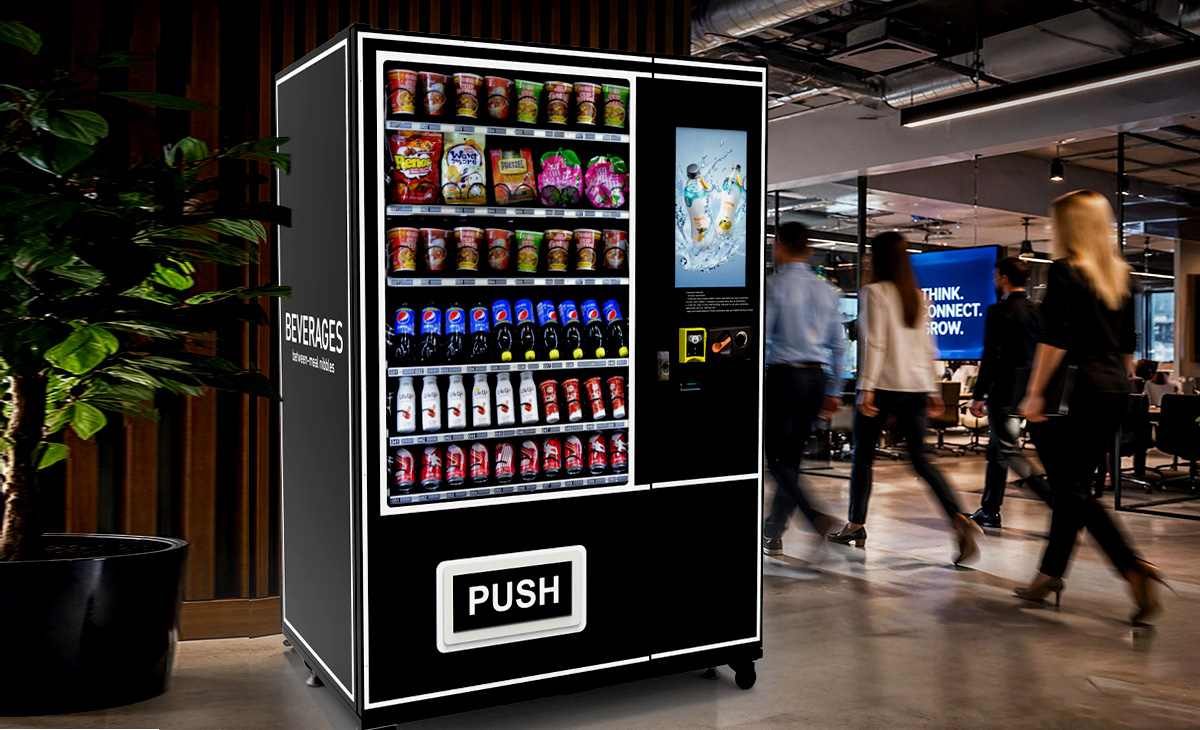
Payment Hardware Inside a Vending Machine
Customers usually see only the card reader, QR code, coin slot, or bill validator. Inside the cabinet, the payment system is more complicated. It may include a vending controller, cash acceptor, coin changer, card reader, antenna, SIM module, telemetry device, payment cables, power supply, and backend software.
Before ordering a machine, I would ask the supplier these questions:
Does the vending controller support MDB payment devices?
Can cash and cashless payment run on the same machine?
Which card and NFC terminals have already been tested?
Can the system support Apple Pay and Google Pay?
Can QR payment connect to a custom campaign or loyalty page?
Can failed payments and failed vends be checked remotely?
Can the operator disable or troubleshoot a payment method remotely?
Is the reader easy to replace without modifying the door?
This is the point where a weak supplier usually exposes itself. A machine can look good in a photo, but if the factory cannot explain the payment interface, test process, wiring, and backend reporting, I would not use that machine for a serious rollout.
Real Payment Setups I Would Use by Machine Type
The best answer to what payment systems do vending machines support in Europe depends heavily on the machine category. Below is how I would normally configure payment for common vending projects.
| Machine Type | Recommended Payment Setup | Why It Works |
|---|---|---|
| Snack and drink vending machine | Coins, card, NFC, mobile wallet, optional banknotes | Low-ticket impulse buying needs fast and familiar payment choices. |
| Office vending machine | Card, NFC, mobile wallet, optional employee account | Repeat users value speed and may not carry cash at work. |
| Gym vending machine | NFC, mobile wallet, card, optional member wallet | Customers often carry phones, not wallets, during workouts. |
| Beauty or cosmetics vending machine | Card, NFC, mobile wallet, QR, digital receipt | Higher product value needs a premium and traceable checkout experience. |
| Elevator vending machine | Card, NFC, mobile wallet, optional QR | Often used for fragile or premium products where payment and delivery must both feel reliable. |
| Trading card vending machine | Card, NFC, mobile wallet, optional loyalty QR | Repeat buyers and collectible products benefit from digital records and loyalty campaigns. |
| Locker vending machine | Card, app payment, QR access, prepaid account | Often needs order reservation, access code control, or door-specific release. |
A Simple Cashless Payment ROI Example
Here is how I usually explain the math to a new operator. Suppose a machine sells 35 items per day with cash only, at an average selling price of 2.50 and a gross margin of 45%. If adding card and NFC payment increases sales by only 8 extra items per day, that adds 20.00 in daily revenue and about 9.00 in gross profit before processing fees.
Even after transaction fees and data costs, the payment upgrade can often pay for itself faster than buyers expect. The exact payback depends on the machine cost, terminal cost, product margin, rent, transaction rate, and daily traffic. But the logic is simple: if customers want to buy and the machine cannot accept their preferred payment method, the operator is leaving money on the table.
This is why I like using a vending machine ROI calculator before finalizing the machine configuration. It helps estimate machine cost, product margin, rent, sales volume, and operating expenses before the buyer commits to a payment setup.
Cashless Payment Is Becoming the Normal Base
The vending industry has moved far beyond the old coin-only machine. The European Vending & Coffee Service Association reported in its latest public market update that cashless payment systems are fitted to 85% of the pay-vend fieldbase, while the total number of machines across the market remains around 5 million and annual vends stand around 5 billion.
That matches what I see in real projects. Cashless payment is no longer a premium upgrade for only high-end machines. It is becoming the normal operating base for serious vending businesses. The question is not whether a machine can accept digital payment. The question is whether the selected system is fast, compatible, secure, and easy to manage after installation.
Security and Compliance: Do Not Ignore Payment Trust
Payment security is not the most exciting part of buying a vending machine, but it matters. A vending machine that accepts cards has to protect customer payment data, communicate securely, and work with reliable payment providers.
The PCI Security Standards Council develops data security standards and resources for safer payment environments. A vending operator does not need to become a payment-security engineer, but the operator should work with suppliers and payment providers that understand secure card acceptance.
I would ask about:
Terminal certification.
Payment provider compatibility.
Encryption and secure transaction handling.
Refund and chargeback procedures.
Remote firmware updates.
Data ownership and reporting access.
How payment logs connect with vend logs.
That last point is important. When a customer says, “I paid but did not get my product,” the operator needs to check the payment status, machine ID, product selection, vend signal, motor action, sensor feedback, and error code. Without clean records, a small refund becomes a long argument.
Connectivity: The Detail Buyers Often Underestimate
Cashless vending needs reliable connectivity. A beautiful machine with poor signal is a problem waiting to happen. Before installing a machine, I always want the signal checked at the exact machine position, not just at the front door of the building.
Common vending connectivity options include:
4G or 5G SIM module.
Wi-Fi connection.
Ethernet connection in managed indoor sites.
External antenna for weak signal locations.
For most independent operators, SIM-based connectivity is the most flexible. It avoids dependence on a building owner’s Wi-Fi and makes it easier to move the machine later. The monthly data cost should be included in the operating budget, but it is usually small compared with the cost of failed card payments.
A connected machine also gives better management data. The operator can see sales, stock movement, payment errors, and machine alerts remotely. Data is what turns vending from guessing into management.
Common Payment Failures and How I Try to Prevent Them
Payment problems are not always dramatic. Many are small issues that quietly damage sales. The customer taps twice, the screen does not respond, the machine authorizes payment slowly, or the product fails to drop after payment. Each of these moments hurts trust.
| Problem | Likely Cause | How I Prevent It |
|---|---|---|
| Card reader slow to approve payment | Weak signal, poor terminal, or slow provider response | Test signal strength and use a proven payment terminal. |
| Customer pays but product does not vend | Controller error, motor fault, delivery jam, or sensor issue | Test payment-to-vend logic and enable remote error logs. |
| Coin mechanism rejects valid coins | Dirty sensor, wrong coin programming, or worn mechanism | Clean and calibrate the coin mechanism regularly. |
| Bill validator rejects notes | Dust, bent notes, moisture, or poor validator quality | Use reliable validators and schedule cleaning. |
| QR payment takes too long | Slow checkout page or weak network | Keep NFC/card as the primary option and test QR speed on site. |
My best advice is to test payment the way a real customer will use it. Do not only check whether the reader powers on. Test ten complete purchases, refund one, force one failed vend, and confirm that the backend records match what happened at the machine.
What I Would Ask a Manufacturer Before Production
If I were discussing a payment-ready machine with a manufacturer, I would not only ask, “Does it support cashless payment?” That answer is too vague. I would ask which payment terminal can be installed, whether MDB testing is done before shipment, how failed vend records are shown in the backend, and whether QR payment can connect to a brand campaign or loyalty page.
For buyers comparing machine suppliers, I would look for clear answers on these points:
Supported payment protocols.
Cash and cashless compatibility.
Card reader brand options.
NFC and mobile wallet support.
QR payment customization.
Remote management platform.
Refund record visibility.
Payment terminal installation position.
Local payment provider compatibility.
After-sales support for payment faults.
This is also where OEM custom vending machine payment configurations become useful. If the machine needs branding, touchscreen UI, QR payment, cashless terminal installation, and remote management, those details should be designed before production starts.
Choosing Payment Systems for Different Business Goals
The best payment setup depends on what the operator is trying to achieve. A low-cost machine in a small private office does not need the same configuration as a branded beauty vending machine in a premium retail space.
For Maximum Customer Coverage
Choose coins, banknotes, card, NFC, and mobile wallets. This setup is best for public locations with mixed customer groups. It has more hardware to maintain, but fewer customers are blocked from buying.
For Lower Maintenance
Choose card, NFC, mobile wallets, and remote reporting. This reduces cash collection and cash hardware maintenance. It works best in offices, gyms, campuses, and controlled commercial locations.
For Premium Retail
Choose card, NFC, mobile wallets, QR payment, digital receipts, and a clear touchscreen interface. This is the setup I prefer for cosmetics, accessories, electronics, gifts, and other higher-value vending products.
For Repeat Users
Choose NFC, app payment, prepaid account, or loyalty payment. This is useful in workplaces, gyms, schools, apartment buildings, and private facilities where the same people use the machine often.
Where Zhongda Smart Fits in the Buying Process
If you are comparing vending machine suppliers for a payment-ready project, Zhongda Smart is worth putting on the shortlist because its machine categories and customization options match the payment questions buyers usually face. The company provides custom vending machine product options for different product types, including snacks, drinks, beauty items, daily essentials, and other retail goods.
I would especially consider Zhongda Smart when the project needs a custom front panel, touchscreen, brand design, cashless terminal, QR payment, remote management, or a delivery system for fragile products. For delicate items, elevator vending machines for delicate products can be a better fit than a standard spiral machine because the delivery system protects the product more carefully.
Before placing an order, I would prepare the following information for the supplier:
Product dimensions and packaging type.
Expected selling price.
Required payment methods.
Indoor or outdoor placement.
Expected daily traffic.
Need for touchscreen, QR code, or loyalty functions.
Need for remote stock and sales reporting.
Branding and language requirements.
The more precise the buyer is, the better the machine configuration will be. If you already know your product type and payment needs, you can discuss a payment-ready vending machine project with the supplier and confirm the right configuration before production.
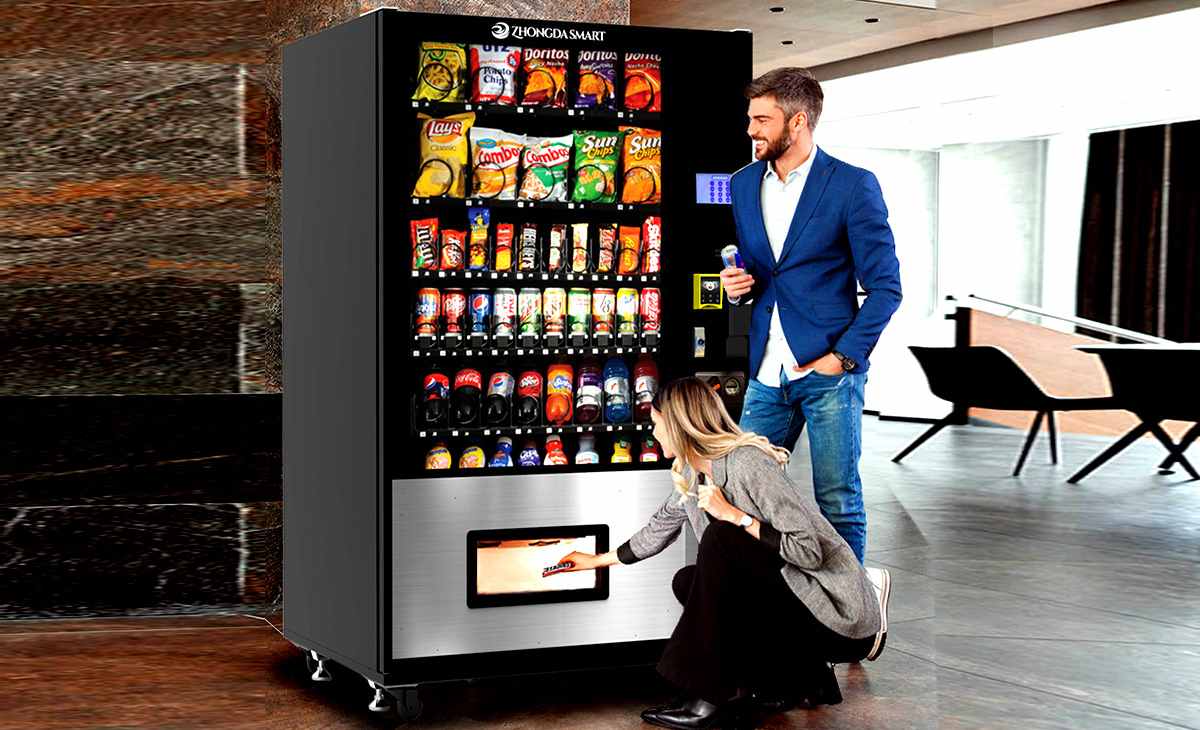
Final Recommendation
So, what payment systems do vending machines support in Europe? A modern vending machine can support coins, banknotes, debit cards, credit cards, contactless NFC, Apple Pay, Google Pay, QR code payment, prepaid cards, loyalty accounts, and app-based payment. The better question is which combination will make the machine easiest to use, easiest to manage, and most profitable in its actual location.
For most new commercial machines, I would start with card, contactless NFC, mobile wallet support, and remote reporting. I would add cash when the location needs it. I would add QR or app payment when there is a clear marketing or account-based reason. I would never choose a payment setup only because it looks modern on a brochure.
A vending machine is only as strong as the full buying experience. The product must be right, the machine must work reliably, and the payment system must remove friction. When payment is fast, familiar, secure, and well connected to backend records, the machine has a much better chance of turning foot traffic into real sales.
Frequently Asked Questions
What payment systems do vending machines support in Europe?
Modern vending machines in Europe can support coins, banknotes, debit cards, credit cards, contactless NFC cards, Apple Pay, Google Pay, QR code payments, prepaid cards, loyalty accounts, and app-based payments. The final setup depends on the machine controller, payment terminal, software, and local payment provider.
Can vending machines accept both cash and card payments?
Yes. Many vending machines can accept coins, banknotes, card payments, contactless NFC, and mobile wallets in the same cabinet. The machine controller and payment devices must be compatible, so this should be confirmed before ordering.
Do vending machines support Apple Pay and Google Pay?
Yes, if the installed payment terminal supports NFC mobile wallet payments. Most modern contactless card readers can support Apple Pay and Google Pay, but the final setup depends on the payment terminal and payment provider.
Should I choose cashless-only or cash-and-cashless vending?
I would choose cashless-only for offices, gyms, beauty vending, and premium retail locations where customers already expect card or phone payment. I would choose cash-and-cashless for public sites with mixed age groups, tourist traffic, or lower-priced products.
Is cashless payment worth it for a small vending operator?
In most cases, yes. Cashless payment can reduce lost sales and make the machine easier for customers to use. The operator should calculate transaction fees, data costs, and the expected increase in monthly sales before choosing the final setup.
Can QR code payments work on vending machines?
Yes. QR payment works well for custom checkout, loyalty programs, coupons, and app-based retail. It should be tested carefully because slow page loading or weak signal can reduce conversion.
What payment system is best for cosmetics vending machines?
Cosmetics vending machines usually perform best with card, NFC, mobile wallet payment, QR payment, touchscreen operation, and digital transaction records. Customers buying beauty products expect a smooth and premium checkout experience.
What should I ask a manufacturer before choosing a vending payment system?
Ask whether the machine supports MDB, which card and NFC terminals can be installed, whether QR payment is available, whether failed payment and failed vend records are visible remotely, and whether the supplier tests the full payment-to-vend flow before shipping.
Do cashless vending machines need internet?
Yes. Most cashless vending machines need a stable connection through SIM, Wi-Fi, or Ethernet for authorization and remote reporting. Some systems may support limited offline functions, but live connectivity is still recommended for commercial use.